
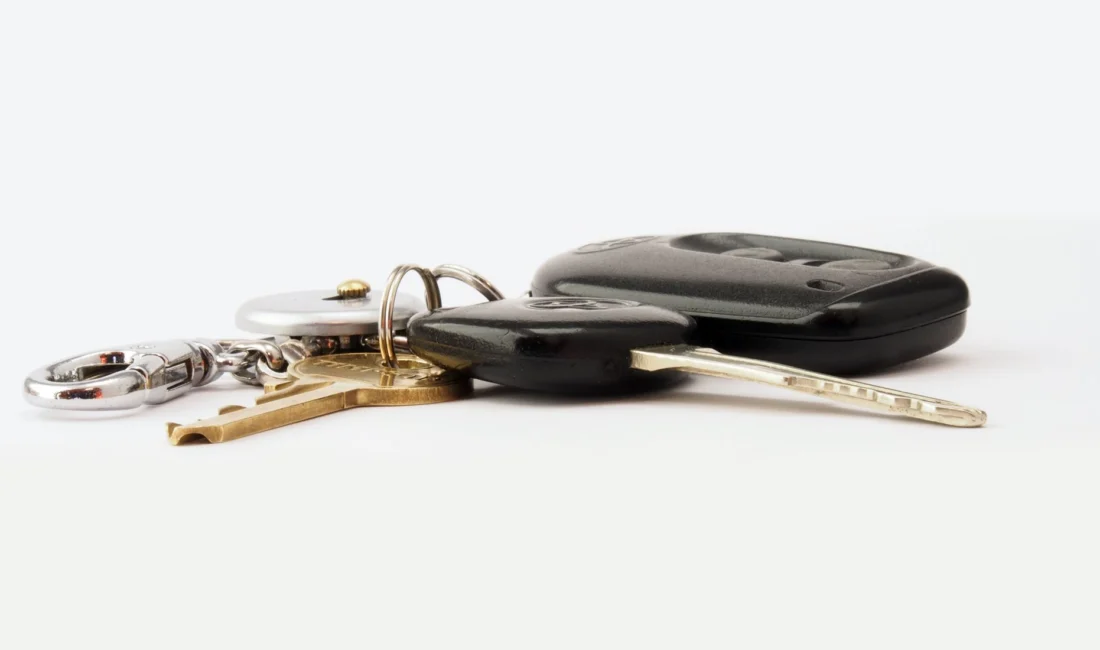

A sluggish key fob that needs multiple presses to unlock your Toyota usually points to one thing: a dying battery. The good news is that swapping it out takes less than five minutes and costs only a few dollars if you have the right tools and battery on hand.
Quick Facts: Toyota Key Fob Battery Replacement
- Time needed: 3-5 minutes
- Tools required: Small flathead screwdriver, replacement battery
- Common battery types: CR2032, CR1620, CR1632
- Average cost: $2 to $6 per battery
- Difficulty: Easy
This guide is based on manufacturer documentation and widely confirmed procedures for Toyota key fobs available at the time of publication.
How do I know my Toyota key fob battery is weak?
The clearest sign is reduced range or delayed response when locking or unlocking your car. You might need to stand closer to the vehicle than usual, or press the button two or three times before it registers. Some newer Toyota models also show a low battery warning on the dashboard multi-information display when the fob’s charge drops too low. If your remote stops working entirely, the battery has likely died completely rather than just weakened.
What battery does my Toyota key fob use?
Most Toyota key fobs use a CR2032 coin-cell battery, though some models use a CR1620 or CR1632 instead. The exact battery type depends on your fob’s design and model year.
Older standard key fobs with a simple button layout typically take the CR2032. Smart key fobs with push-button start features sometimes use the smaller CR1620 or CR1632. Checking the back of your existing battery for the printed model number is the easiest way to confirm which one you need before buying a replacement.
| Fob Type | Common Battery | Typical Lifespan |
|---|---|---|
| Standard remote (buttons only) | CR2032 | 1 to 2 years |
| Smart key (push-button start) | CR1620 or CR1632 | 1 to 2 years |
| Older models (pre-2010) | CR2016 (less common) | 1 to 2 years |
What tools do I need to replace the battery?
You only need a small flathead screwdriver and the correct replacement battery to get the job done.
A thin, flat tool helps pry open the fob casing without scratching it too much. Some owners use a plastic trim removal tool or an old credit card edge to avoid marking the plastic. Avoid using anything metal and sharp near the circuit board inside, since this can damage the internal components.
How do I replace the battery step by step?
Start by removing the metal emergency key from the fob, then pry open the casing along the seam to access the battery compartment.
Step-by-Step Battery Swap
- Remove the metal key: Press the small release button or slider on the back of the fob and pull out the hidden metal valet key.
- Locate the seam: Find the thin gap where the plastic casing splits, usually near where the metal key was stored.
- Pry it open: Insert a flathead screwdriver or plastic tool into the seam and gently twist to separate the two halves.
- Remove the old battery: Note the orientation (positive side up or down) before taking it out.
- Insert the new battery: Place the new coin-cell battery in the same orientation as the old one.
- Snap the casing back together: Press both halves firmly until they click into place.
- Reinsert the metal key: Slide it back into its slot until it locks in securely.
- Test the fob: Stand near your Toyota and press the lock or unlock button to confirm it works.
Does the key fob need reprogramming after a battery change?
No, a simple battery swap does not require reprogramming in most cases.
The fob’s memory and pairing with your car are stored separately from the battery, so removing and replacing the battery should not erase its programming. If the fob doesn’t work immediately after the swap, double-check that the battery is inserted with the correct polarity, since this is the most common mistake. If it still fails to respond after confirming correct placement, the fob may need reprogramming at a dealership or with an OBD tool.
How often should I replace my Toyota key fob battery?
Most Toyota key fob batteries last between one and two years with regular use.
Factors like how often you use the fob, extreme temperatures, and the specific battery brand can all affect lifespan. Keeping a spare CR2032 or CR1620 battery in your glovebox or at home means you won’t be stuck with a dead fob when you least expect it.
What mistakes should I avoid during replacement?
The most common mistake is inserting the new battery with the wrong polarity, which prevents the fob from working even though the battery is fresh.
Other frequent errors include forcing the casing open from the wrong spot and cracking the plastic, or touching the circuit board with bare fingers, which can introduce oil and debris. Always handle the internal board by its edges and work slowly when prying the casing apart.
Quick Checklist Before You Start
- ✔ Confirm your battery type (CR2032, CR1620, or CR1632)
- ✔ Have a flathead screwdriver or plastic pry tool ready
- ✔ Note the battery’s orientation before removing it
- ✔ Keep the metal valet key safe during the process
- ✔ Test the fob before closing everything up fully
Bottom Line
Replacing a Toyota key fob battery is a quick, inexpensive fix that most owners can handle at home without any special tools or trip to the dealership. Confirm your battery type, work carefully when opening the casing, and pay attention to polarity, and your fob should be back to full strength in minutes. If problems persist after a fresh battery is installed, it may be worth having the fob checked for reprogramming or replacement.